
A Closer Look at ThePhotoStick OMNI: One-Click Photo Backup for Phones and Computers
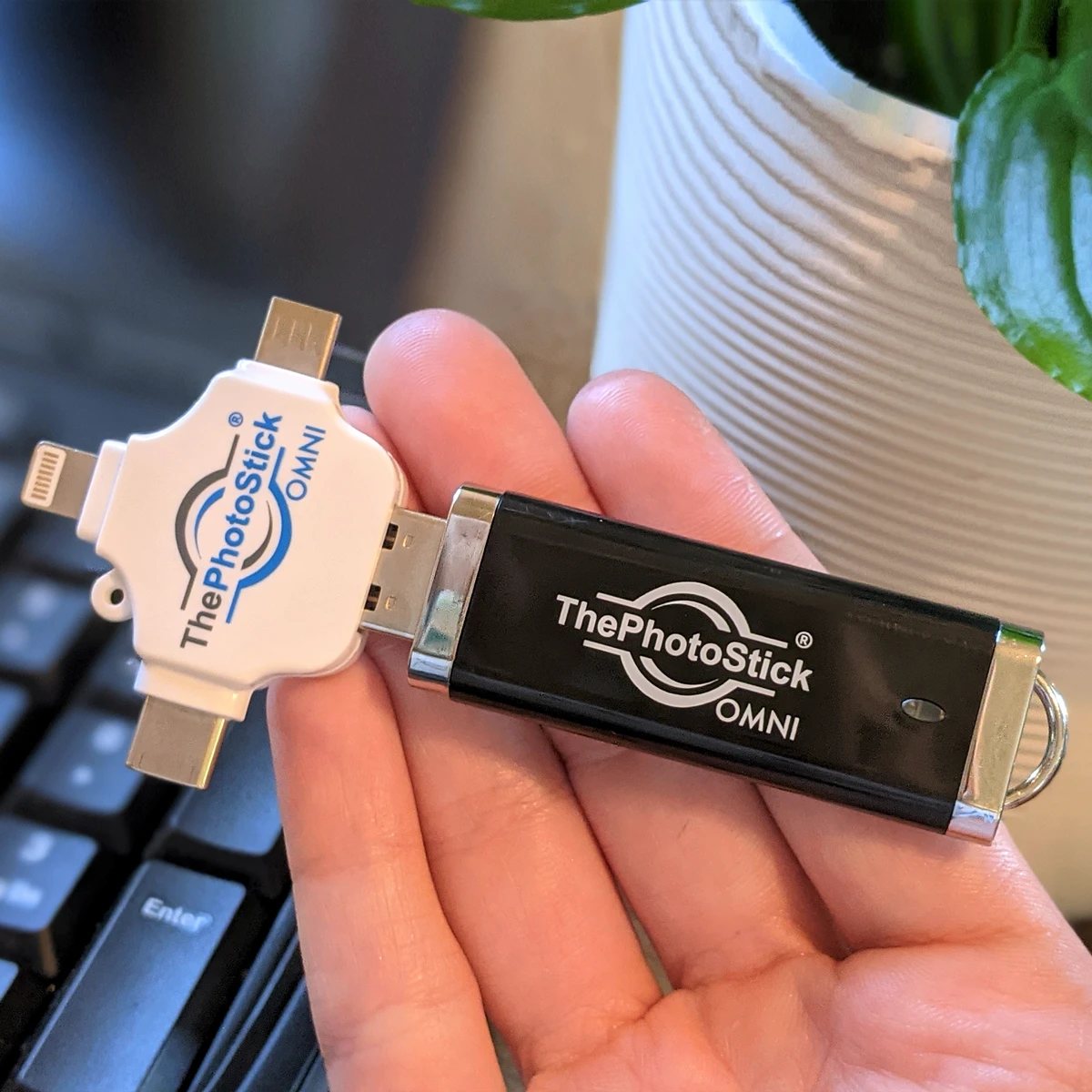
Most of us have photos spread across a phone, an older laptop, a tablet, and maybe a desktop computer. ThePhotoStick OMNI is a USB backup device built to gather those photos and videos in one place with very little effort. Here's what it is, how it works, and what to think about before you order.
Why scattered photos are easy to lose
Phones get replaced, dropped, or lost. Computers eventually fail. Cloud plans have storage limits and recurring fees, and many people aren't sure which of their devices holds which pictures. The result is that years of family photos often live in just one place, with no second copy.
A simple backup habit fixes most of this. The hard part for many people is getting started, which is the problem ThePhotoStick OMNI is designed to solve.
What ThePhotoStick OMNI is
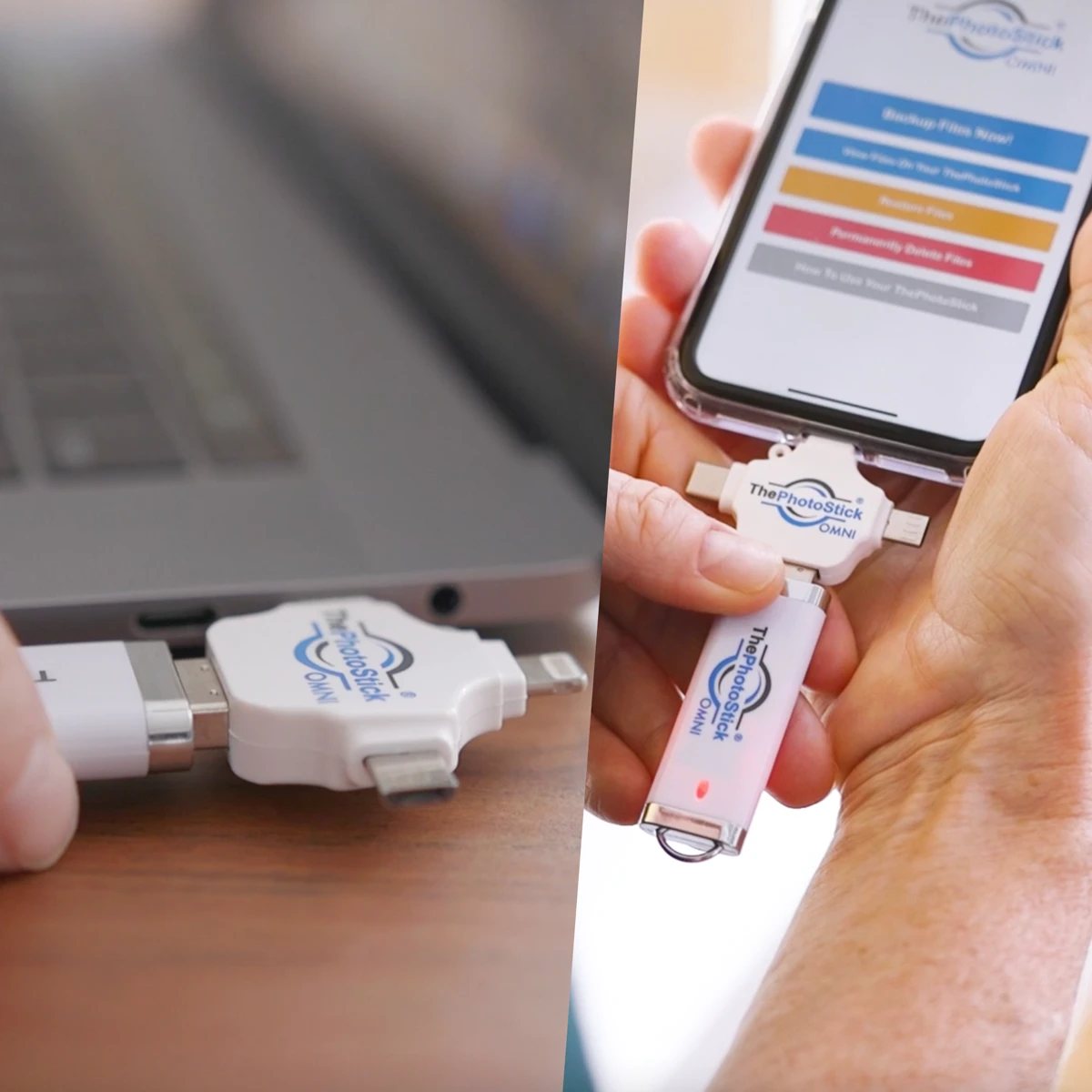
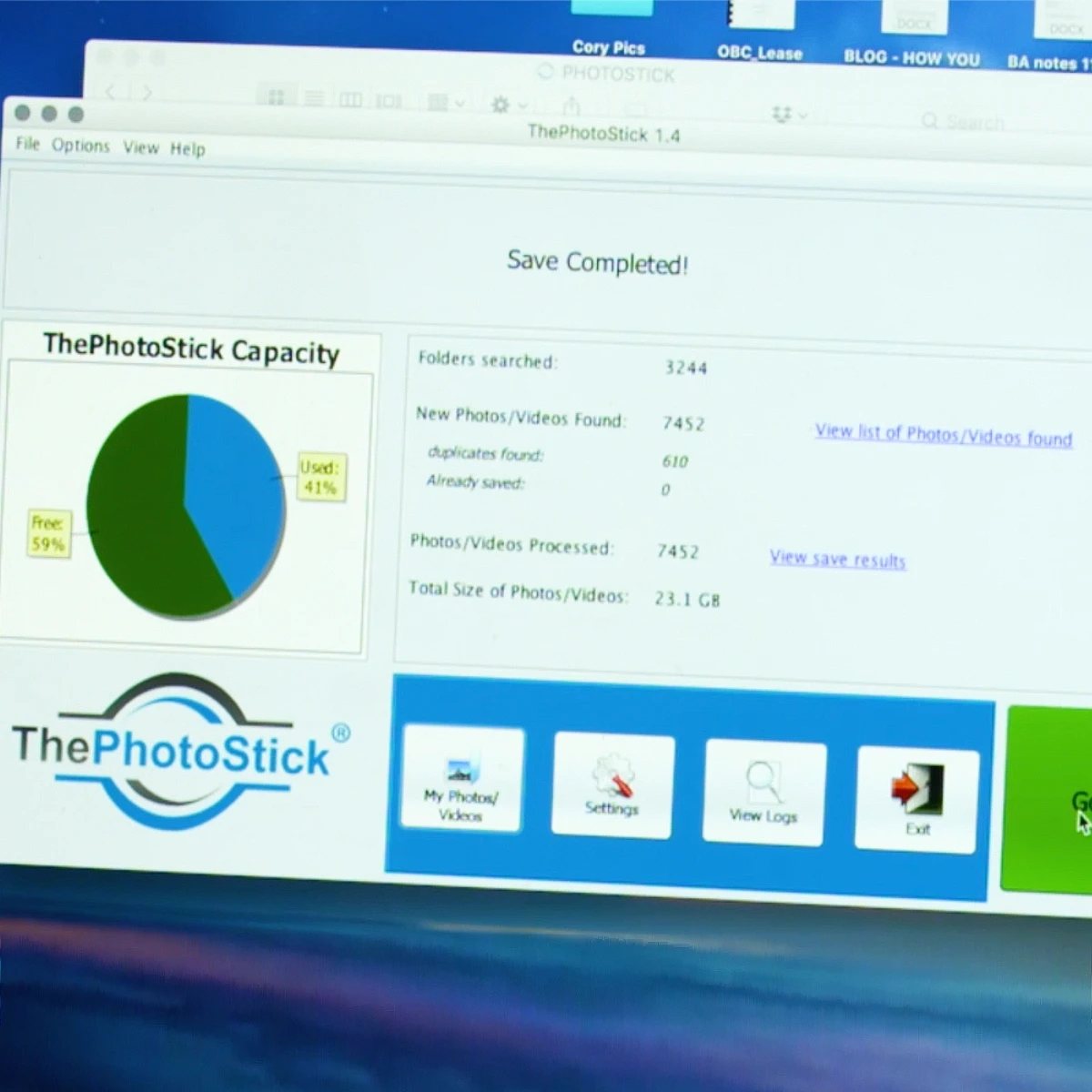
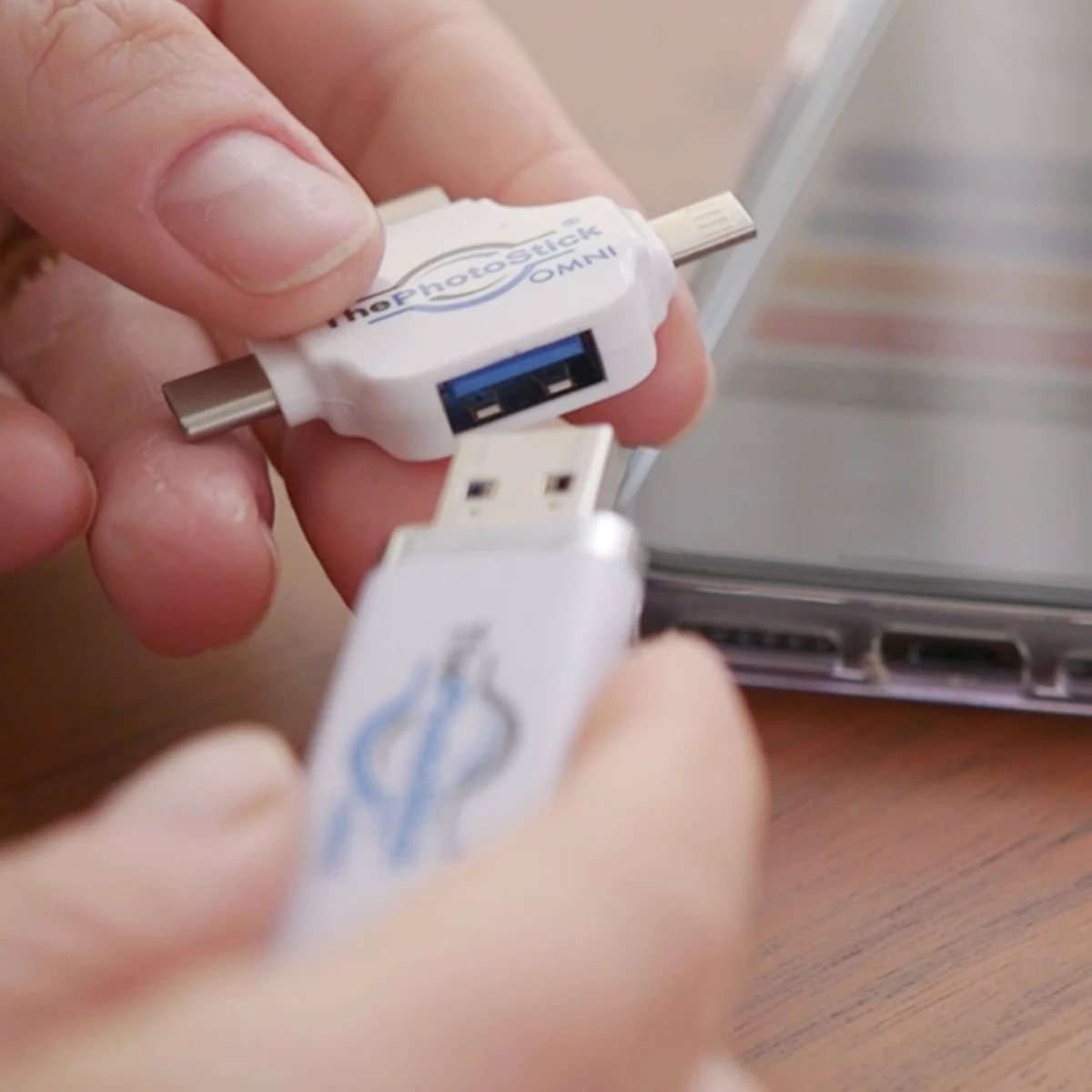
ThePhotoStick OMNI is a USB storage stick that carries its own backup software for computers. For phones and tablets, the seller offers a free companion app. When you run it, the software searches the device for photo and video files and copies them to the stick. According to the seller, it skips duplicate files so you don't end up with several copies of the same picture.
It comes in several capacities, from 8GB up to 256GB. The seller estimates the 128GB version holds up to about 60,000 photos and videos, based on an average photo size of 2 MB. Videos, RAW camera files, and high-resolution photos are larger, so the real number depends on what's in your library.
How it works
The seller describes a three-step process. Nothing needs to be installed on a Mac or Windows computer; the software runs from the stick itself.
Plug it inConnect the stick to a USB port, or to your phone or tablet using the matching connector.
Open the program or appOn a computer, open ThePhotoStick program from the stick. On a phone, open the free ThePhotoStick Mobile app.
Click "Go"The software scans for photos and videos and copies them to the stick. Time depends on how many files you have.
Compatibility and file types
| Windows | Windows 7 SP1 and newer |
| Mac | macOS 10.13 and newer |
| iPhone & iPad | iOS / iPadOS 13.0 and later, with the free mobile app |
| Android | Android 6.0 and later, with the free mobile app |
| Photo formats | JPEG, PNG, GIF, BMP, TIFF, ICO, PSD, PICT, and many camera RAW formats |
| Video formats | MOV, MPEG-4, AVI, WMV |
| Capacities | 8GB, 64GB, 128GB, 256GB |
Specifications as listed by the seller at the time of writing.
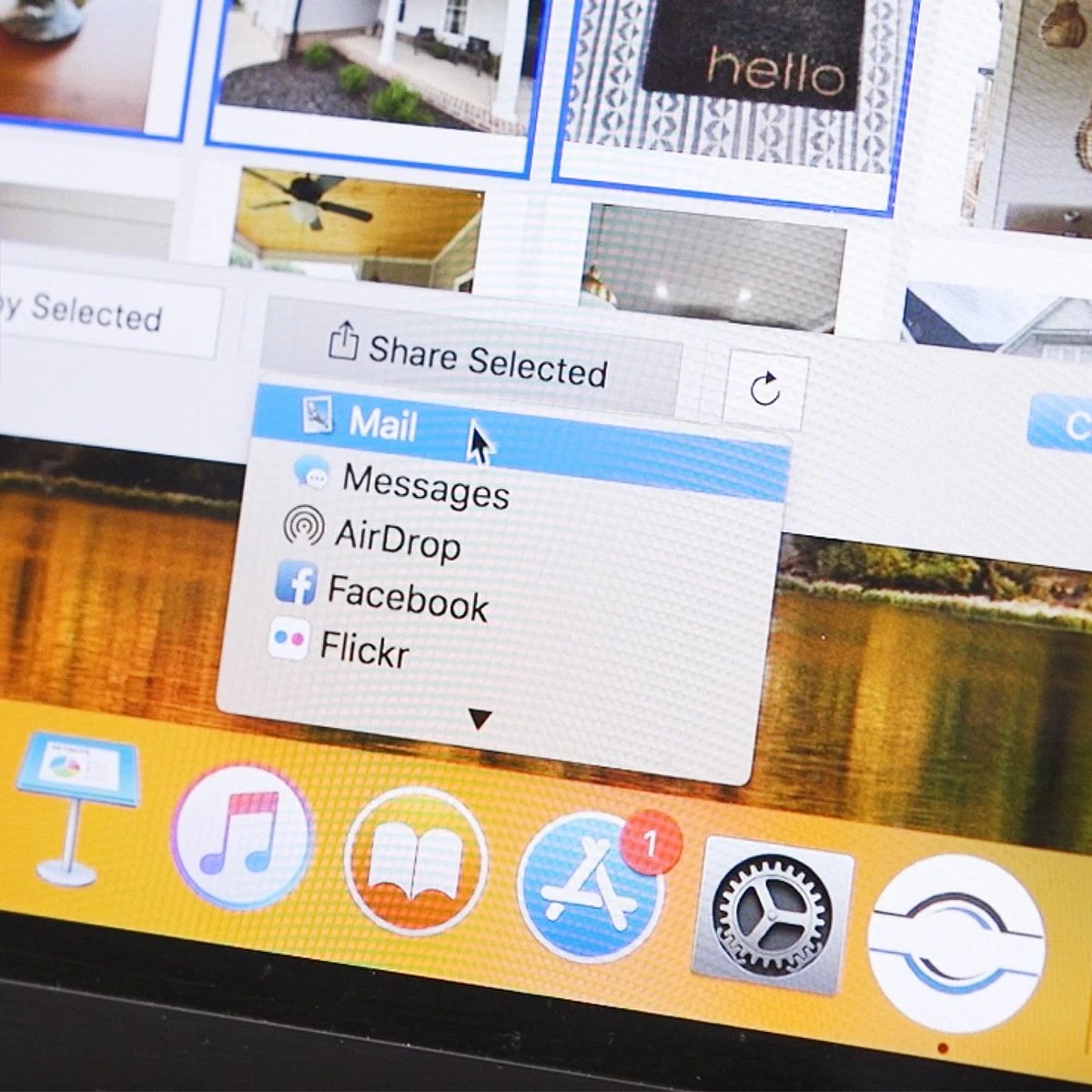
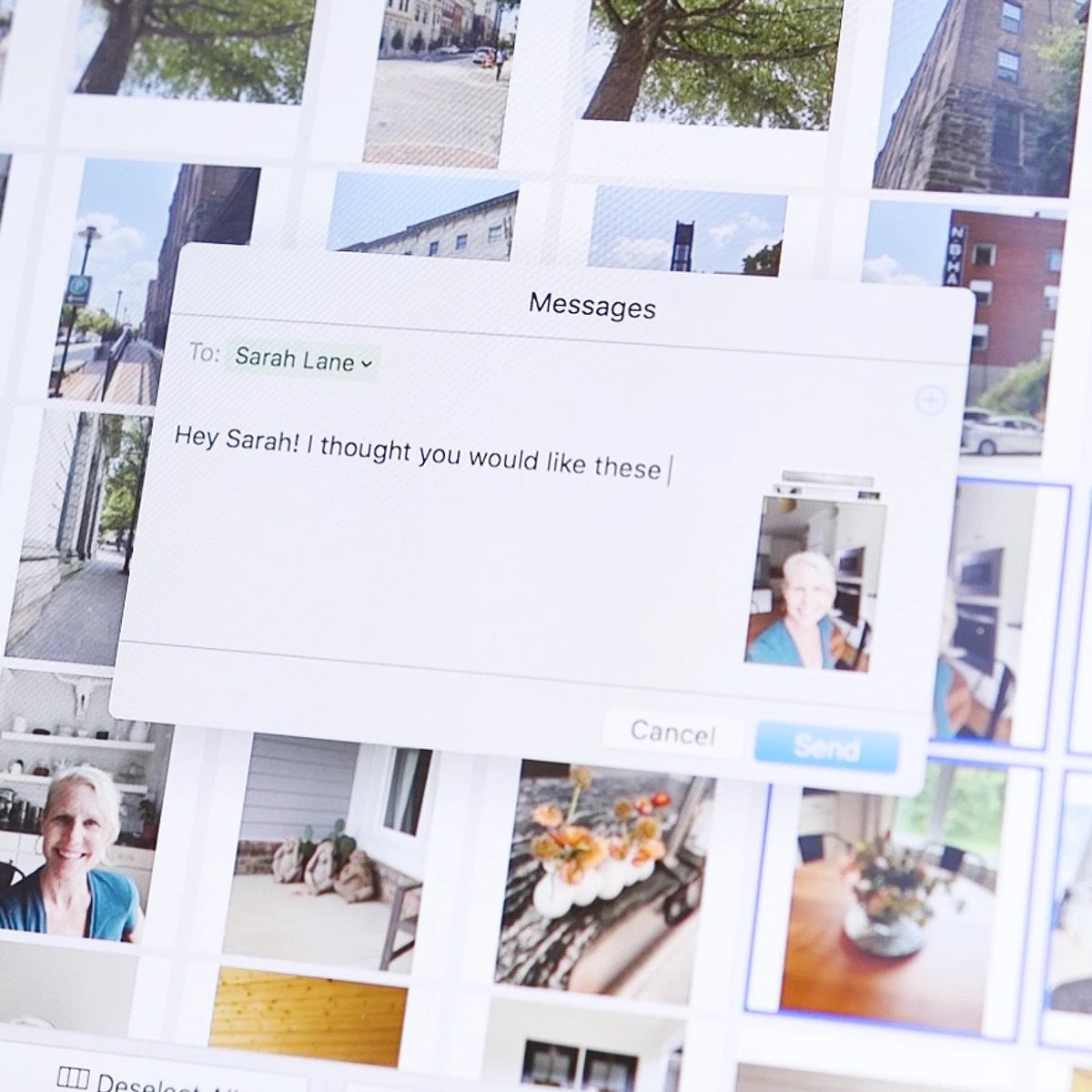
Browsing and sharing saved photos
Once your photos are on the stick, the included software lets you browse them and send selected pictures to family and friends. That makes the stick useful as more than a vault: it's also a quick way to find an old photo without digging through several devices.
Things to consider before you buy
Good fit if you…
- Have photos spread across several devices
- Want a physical copy without a monthly fee
- Want something simple for less tech-savvy relatives
- Want to free up space after backing up
Keep in mind
- One stick is still one copy; keep a second backup too
- Choose capacity based on your library and videos
- Store the stick somewhere safe and dry
- International orders may have customs or VAT fees
Many experts recommend keeping at least two copies of important photos in different places. A stick and a computer or cloud copy together give you that extra layer.
The seller states that orders ship within 24 to 48 hours, with typical U.S. delivery in 3 to 5 business days, and advertises a 30-day money-back guarantee. Check the current terms on the seller's site before ordering.
See ThePhotoStick OMNI Options
Compare capacities and current pricing on the official site.
- Capacities8GB, 64GB, 128GB, and 256GB
- Works withiPhone, Android, Mac, and Windows
- No subscriptionA one-time purchase, per the seller
- Guarantee30-day money-back, per the seller
Opens the official ThePhotoStick OMNI website (getthephotostickomni.io). Prices, availability, and terms are set by the seller.
Common questions
Do I have to install anything on my computer?
According to the seller, no. On Mac and Windows the program runs directly from the stick. Phones and tablets use the free ThePhotoStick Mobile app.
Which size should I choose?
It depends on how many photos and videos you have. The seller suggests the 128GB version (about 60,000 files at 2 MB each) suits most people, and the 256GB version suits larger libraries. Videos take much more space than photos.
Can I use it for ongoing backups?
Yes. You can run it again later to copy new photos. The seller says it skips duplicates, so repeat backups add only new files.
Does it replace cloud storage?
It can be used instead of, or alongside, a cloud service. For important photos, keeping two copies in different places is the safest approach.
Is there a guarantee?
The seller advertises a 30-day money-back guarantee. Review the current return policy on the seller's site before you buy.